AI hairstyle changer that keeps your face, not just your hair
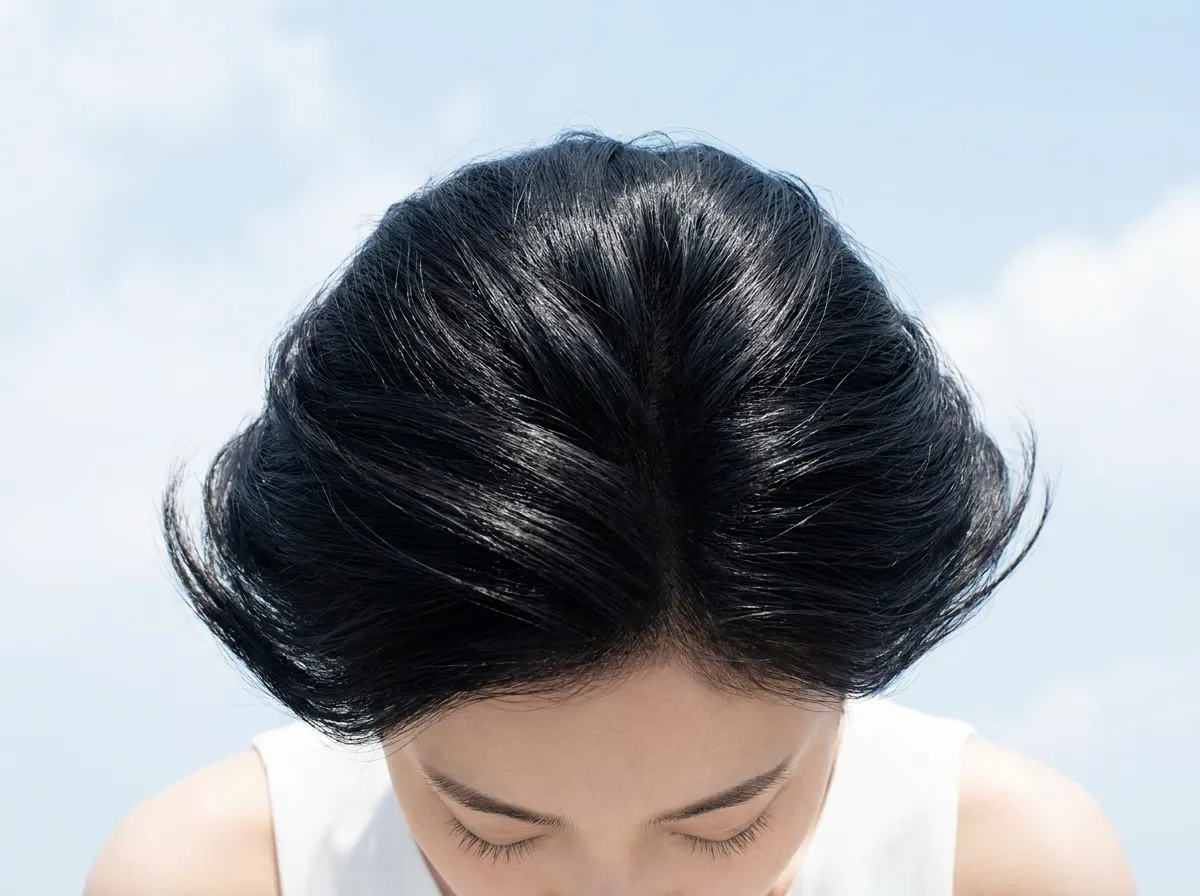
See a new cut before you commit to it. Upload one clear portrait, choose a hairstyle, length or color, and get back a photo that still looks like you.
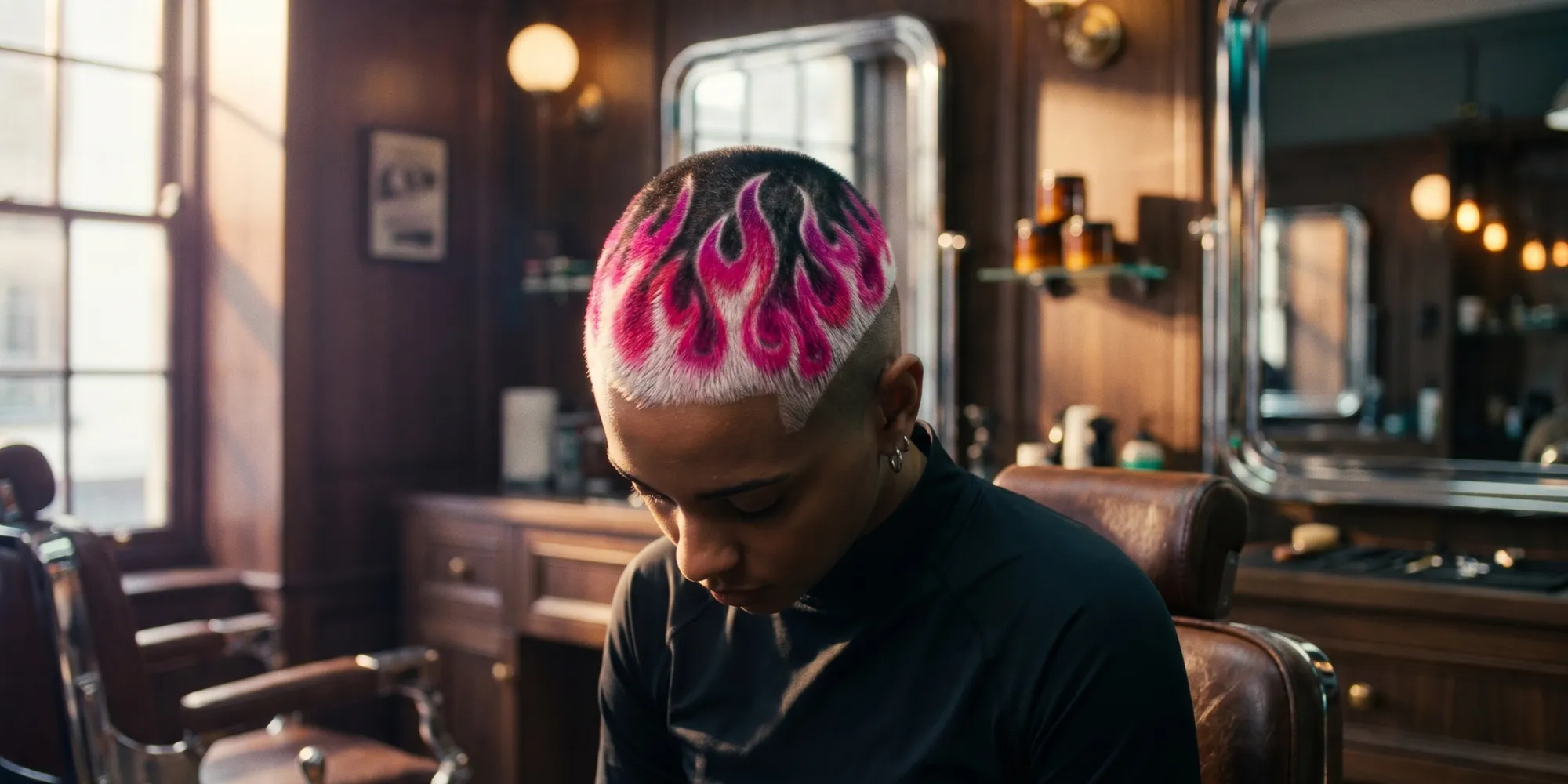
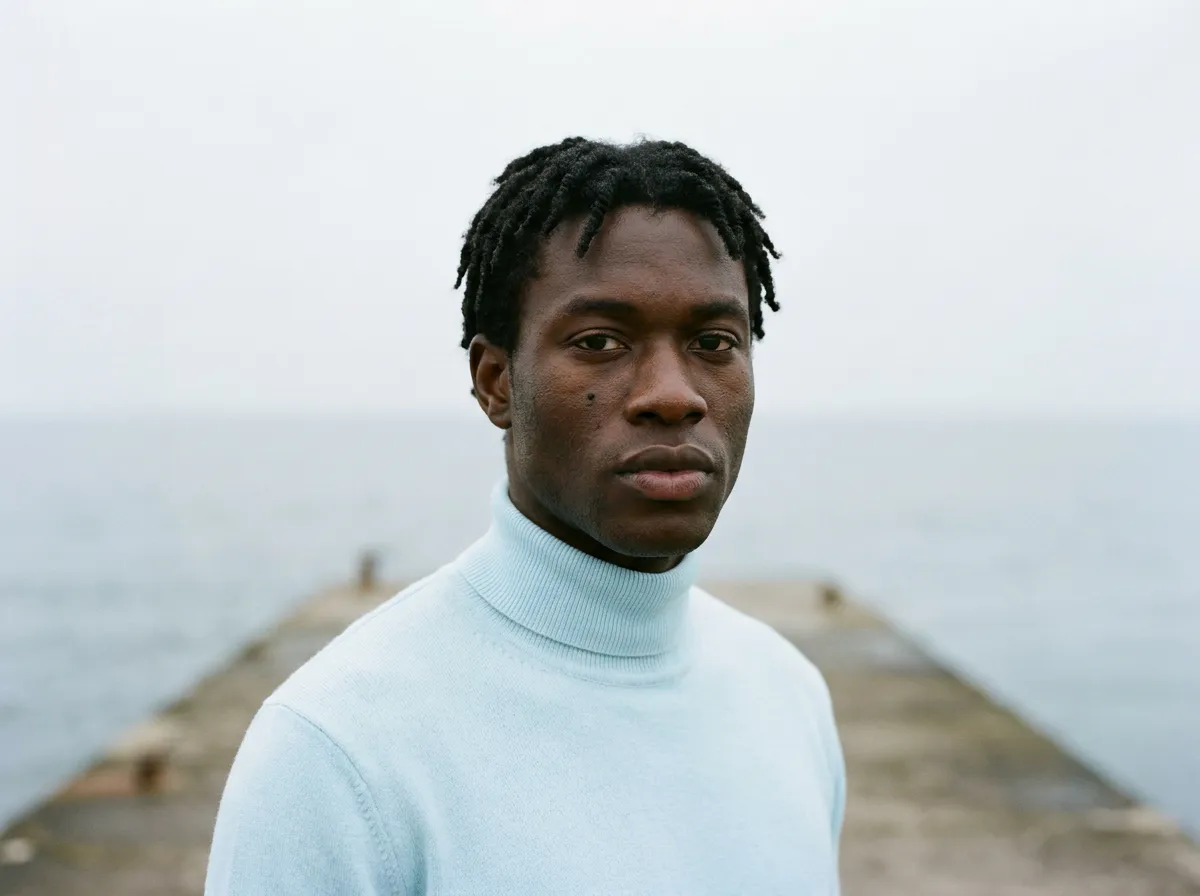
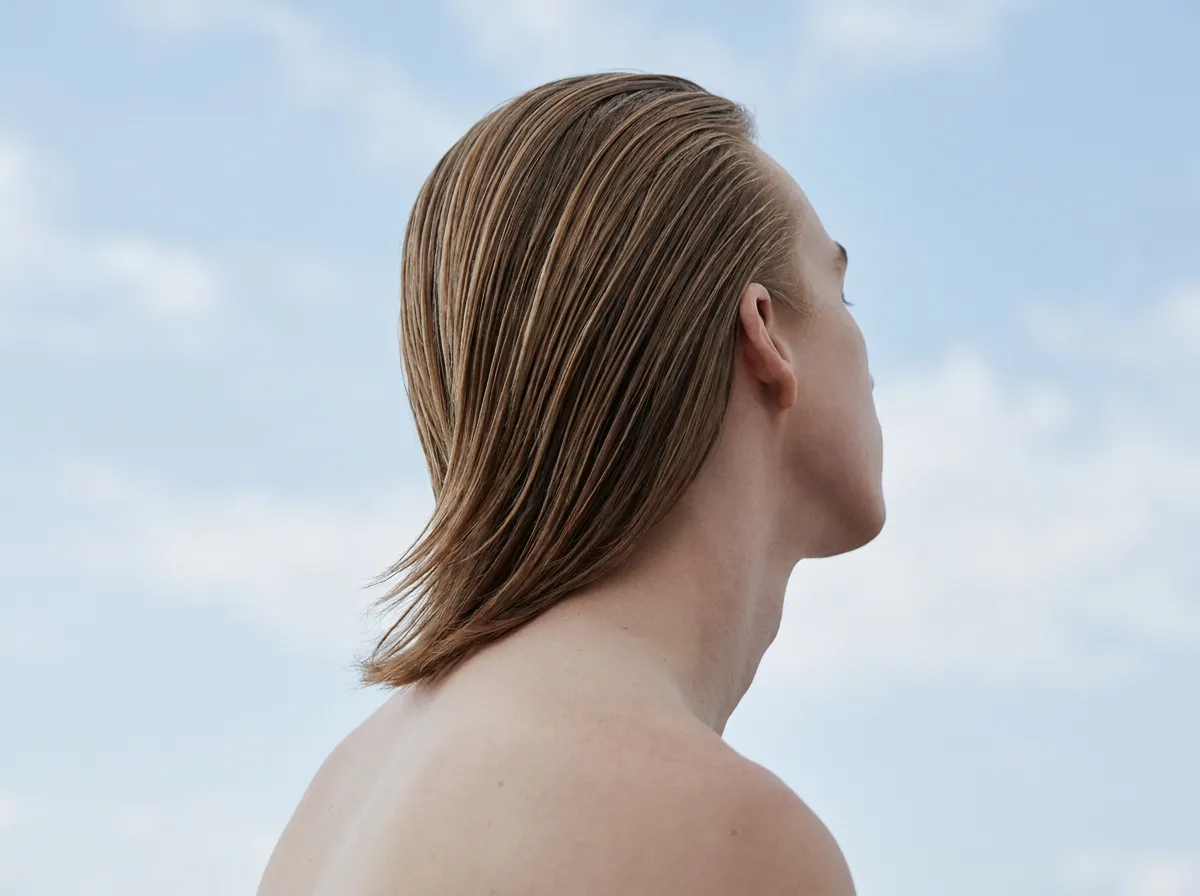
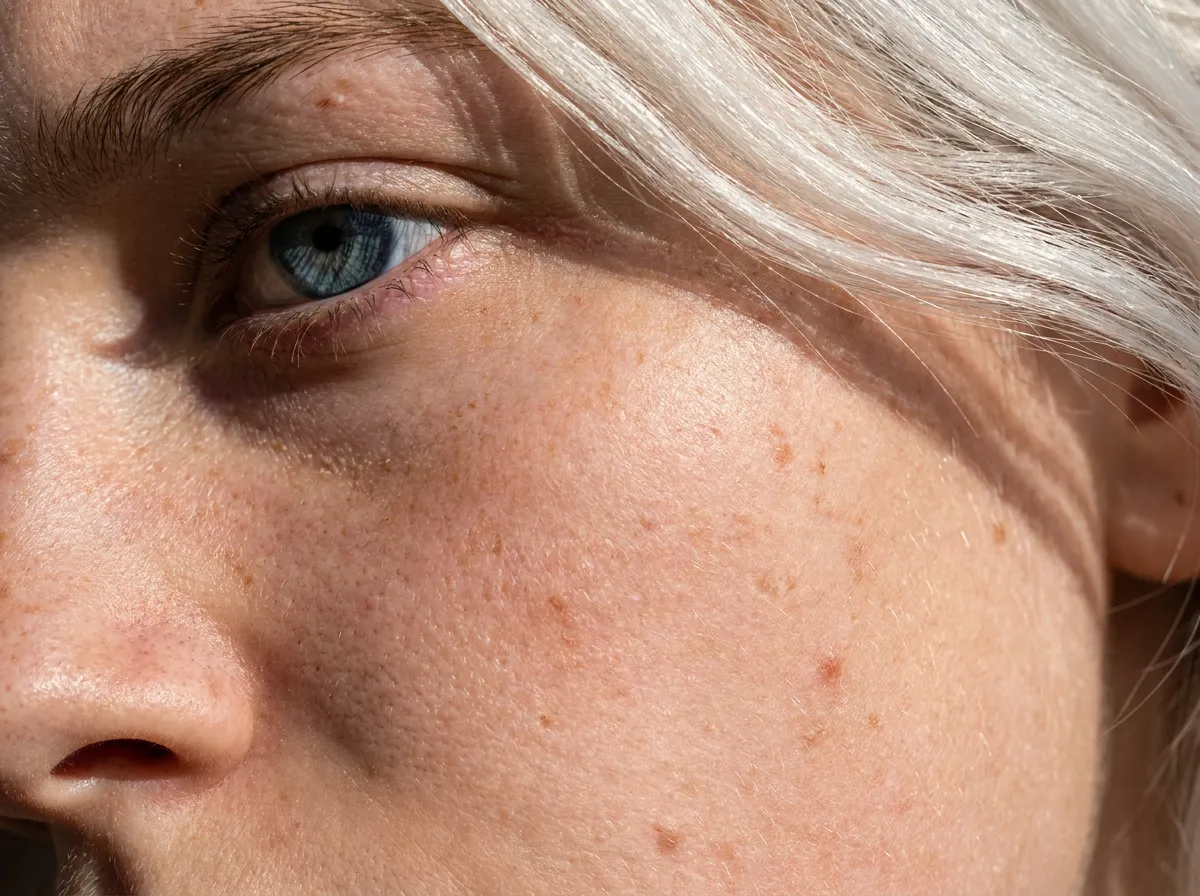
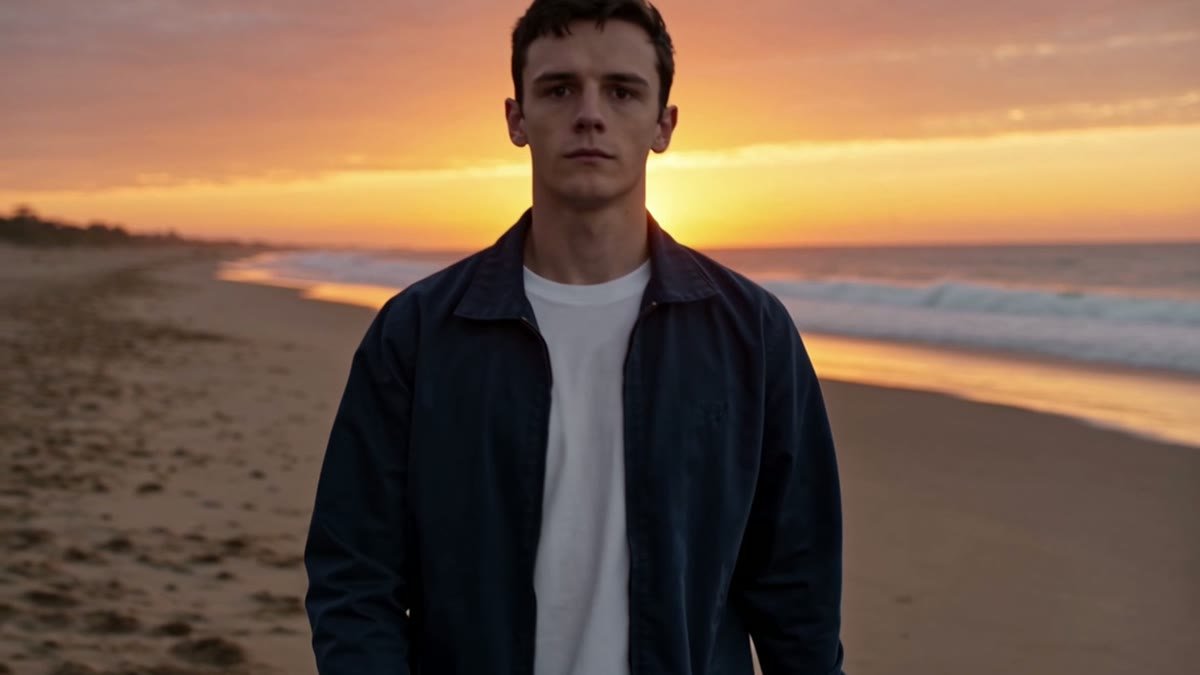
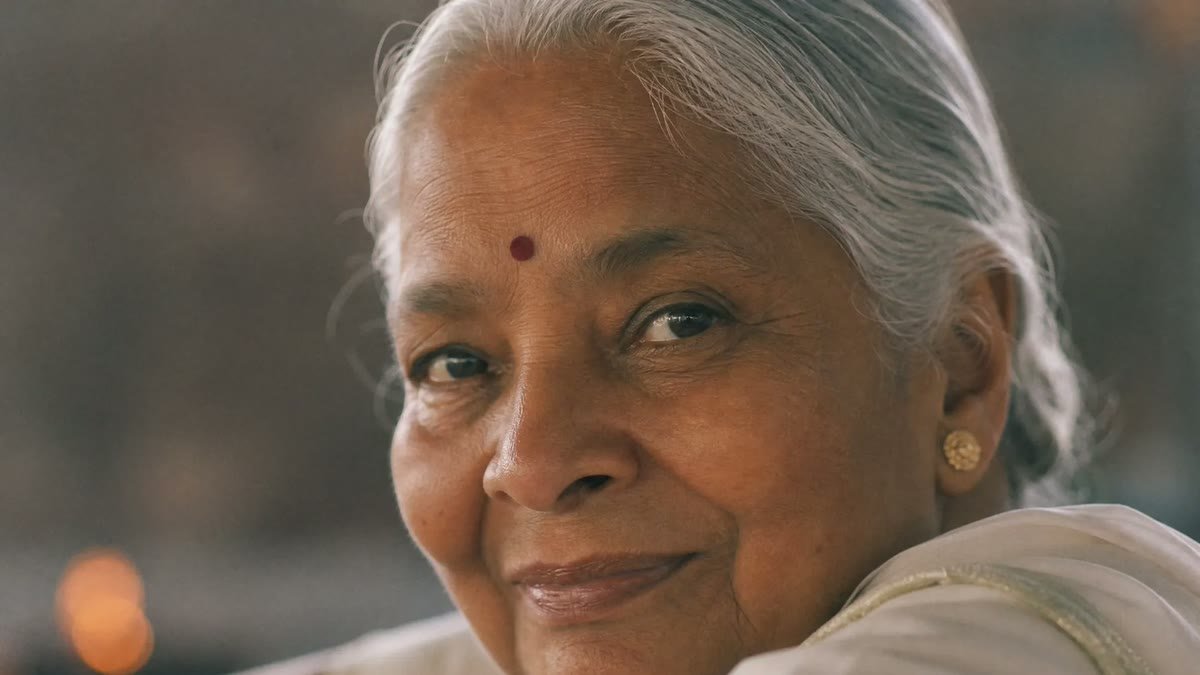
Made with this flow
Pick an example to see it bigger
How the Magnific AI hairstyle changer works
Add a clear, front facing portrait with your hair and face in view.
Test a haircut without touching your real hair
Trying a new look in real life is a gamble. Upload a portrait and swap the style on screen, so you can see how short hair, long waves or a bold color sit on your own face before you book the chair.
Your face and features stay yours
The model changes the hair and leaves the rest alone. Your skin, expression and the shape of your face carry over, so the result reads as a real photo of you with new hair, not a stranger.
From a small trim to a full color change
Go subtle with a fringe or a few inches off, or go bold with platinum, copper or pink. Pick a ready style or describe the cut and color you want, then compare a few options side by side.
“Magnific's Creative Suite provided us with access to best-in-class models and workflow tools through a single unified interface. This gave us the ability to create a shared collaboration environment for AI work, and management tools to understand usage patterns across clients and projects. By making cross-departmental and team collaboration simpler, Magnific has been a key unlock as we've woven AI into our workflows end to end.”
RG/A
“Visual storytelling is in Damm's DNA. Magnific gives our teams the freedom to experiment and iterate, elevating our product and lifestyle images to a level of detail that was previously impossible at this speed.”
Damm
“Magnific is a key part of our marketing stack. It helps us create high-quality content at scale as we expand our AI-native workforce platform, powering our global staffing marketplace.”
Job&Talent
“At Delivery Hero, we are very satisfied with Magnific's tool performance and impact. It consistently delivers high-quality, reliable results and supports our workflows and efficiency. The tool's models and features enable testing and boost execution across the design teams using it.”
Delivery Hero
“As a global manufacturer operating across diverse markets, the ability to localise our creative output is essential. Magnific gives our teams in all markets the tools to move from global brand direction to market-ready content quickly — adapting visuals to local audiences. Think global, act local has always been our approach; Magnific makes it genuinely executable at scale.”
Haworth
“Magnific helps us move fast, iterate, and experiment. It's a creative toolkit, not a writer or director. The story, the shots, the emotional beats, that's all us.”
Phantom X
“Magnific is a go-to tool for the team at Native Foreign because it gives us access to all the latest & greatest tools, and has a super efficient and clean workflow process. We're able to bring things to life that would have never been possible because AI expands the palette of what's possible visually.”
Native Foreign
“Visual storytelling and iconic aesthetics are in GUESS's DNA. Magnific gives our marketing and product design teams the freedom to experiment and iterate, elevating our fashion and lifestyle imagery to a level of detail that was previously impossible at this speed.”
An AI hairstyle changer lets you explore a new cut, texture, length, or color on your own portrait. Instead of pasting a generic hairstyle over the image, generative models rebuild the hair around the face, pose, and lighting. You get a visual direction worth discussing with a stylist.
The model reads the portrait, identifies the face and hair region, then generates a new hairstyle from your prompt or reference. It aims to preserve the person while changing the hair. Strong source images and precise direction produce the most convincing results.
Upload a clear portrait. Describe the cut, length, texture, color, and finish you want, then generate a few variations. Compare them at the same crop and scale. The right choice becomes clearer when the variables stay controlled.
Choose a sharp, front-facing portrait with even light, a neutral expression, and the full head visible. Keep the crop loose enough to leave room around the hair. A clean source gives the model more evidence and fewer reasons to invent.
Yes. Direct the cut with concrete language: length, fringe, layers, parting, texture, volume, color, and finish. “Shoulder-length copper curls with a soft center part and low volume at the crown” carries more control than “new red hair.”
Reference images communicate silhouette and texture faster than adjectives alone. Use a clear image with the hair fully visible, then state what to transfer and what to preserve from your portrait. You need the right to use any image you upload.
Yes, but control produces cleaner comparisons. Test the cut in your current color first, then test color variations on the strongest shape. Changing every attribute at once makes it harder to judge what actually works.
Yes, with a clear source and precise texture direction. Name curl pattern, density, length, shrinkage, volume, and finish where relevant. Texture is structural. Treating it as a final effect produces weaker results.
A strong preview can look convincingly photographic, especially with a clean portrait and a well-defined request. It remains a generated image. Texture, movement, and how the hair behaves after a real cut or color service will differ.
Identity preservation is the goal when editing a portrait, but generation can shift small facial details. Compare the result against the source, especially around the eyes, jaw, ears, and hairline. Regenerate when the person no longer reads as you.
Match the new hair to the source lighting and camera angle. Specify realistic roots, flyaways, strand detail, and believable volume. Keep the face fixed. A slightly imperfect hair edge often looks more photographic than a polished helmet of detail.
Yes. It gives the conversation a shared visual reference. Pair the image with the cut name, desired length, and the parts you care about most. Your stylist will adapt the idea to your texture, density, growth direction, and routine.
Yes, under an eligible plan and with the client’s consent to use their portrait. A preview makes consultation more concrete, but it should never become a guarantee. Label generated images clearly and keep the stylist’s professional assessment central.
Magnific provides limited access to basic AI tools on the Free plan. Tool availability and generation limits vary. Check the current plans and pricing (https://www.magnific.com/pricing) for the live details.
Magnific treats inputs and outputs as confidential unless you choose to publish them or disclosure is required to provide the service or comply with law. Use portraits you have permission to process and review the Privacy Policy (https://www.magnific.com/legal/privacy).